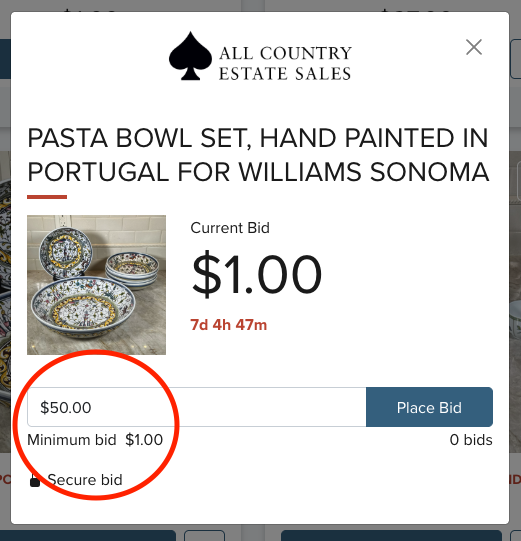
Any bid amount entered in the “Place Bid” dialog will be executed by the system using the “Maximum Bid” logic.
To place a Maximum Bid or Absentee Bid, go to place a bid like normal by clicking on the blue Place Bid button. Enter any amount higher than the “Minimum Bid” shown below the “Bid” box.
For example, if the “Minimum Bid” is $100, you can enter $300 if you are willing to bid that much. The system automatically places bids on their behalf as needed (against competing bidders), one increment at a time up to your maximum amount.