
How to increase your Maximum / Absentee bid.
Updating your Maximum Bid is as easy as placing a bid, and can be done at any time before the auction ends.
When you increase your Maximum Bid, the system will automatically place bids on your behalf—up to your new maximum—to compete with other bidders.
1. Click on the blue Update Max button on the Lot tile (or the Place Bid button on the Lot’s detail page).
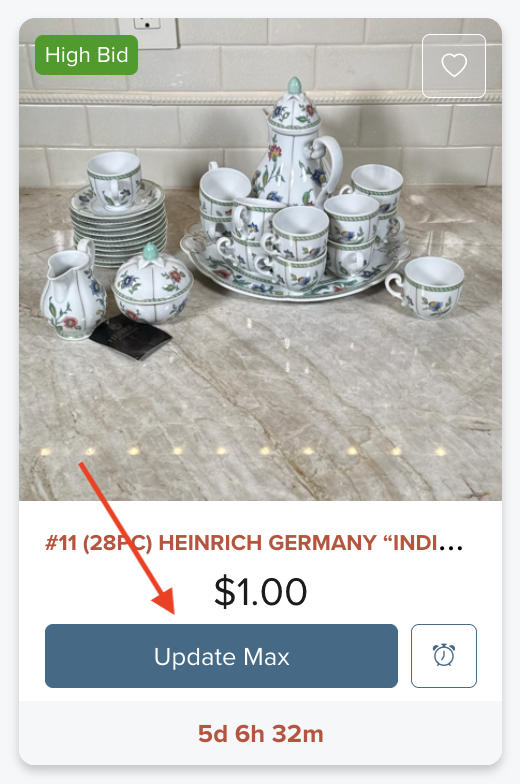
2. Your current Maximum Bid will be shown, and the Minimum Bid will appear below the bid entry field.
3. Enter a new bid amount that is higher than your current Maximum Bid (and meets the required Minimum Bid).
4. Click the blue Update Max button.
5. Click Confirm.
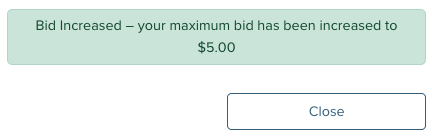
Your Maximum Bid updates immediately. If needed, the system may place a bid on your behalf right away.