
After submitting a bid, you will receive a message indicating whether you are the high bidder, or if you’ve been outbid.
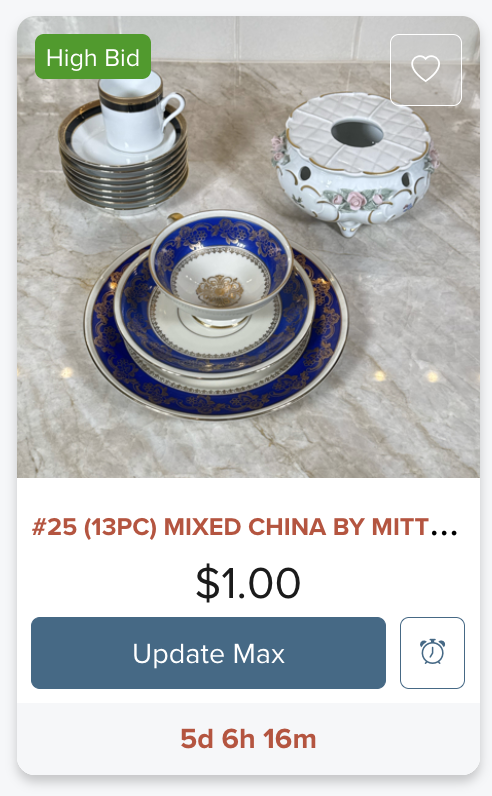
A green “High Bid” badge will appear on the Lot tile if you are the current high bidder.
“High Bid” Badge
Below is an example of the green “High Bid” badge:
Post-Bid Message
After placing and confirming your bid on a Lot, you will receive a message within the bid dialog box indicating if you are the high bidder, as pictured below:
