
In most cases, yes — you can change your scheduled pickup time as long as the auction’s pickup window is still open and there are available time slots.
How to change your pickup time
- Go to your Dashboard
- Select the Invoices tab
- Click on the Invoice Number in the far-left column to open the Invoice
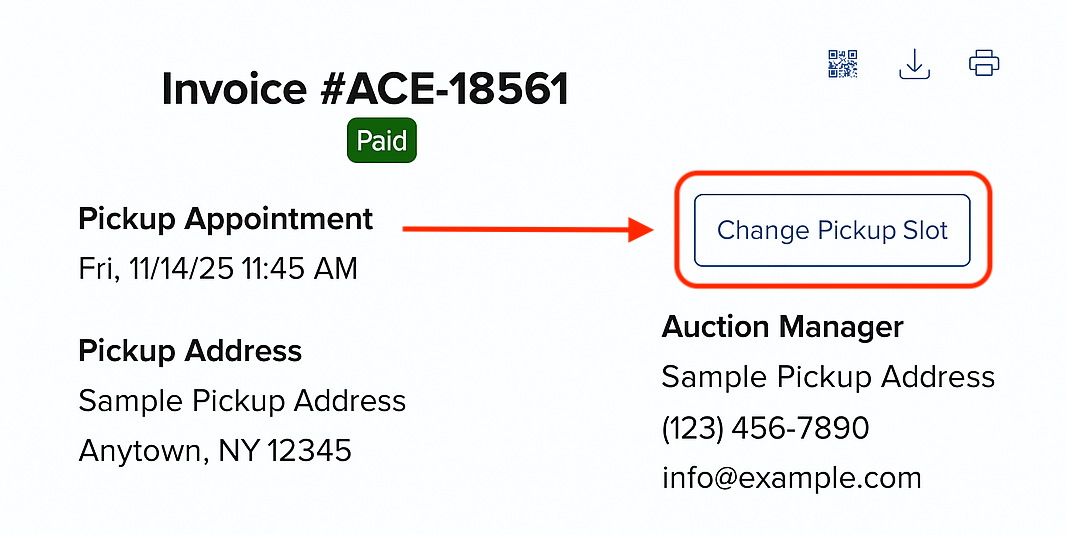
- Right above the Auction Manager information (on the right), click the Change Pickup Slot button
- In the window, choose a new available time
- Click the Save button to confirm the change
Your updated pickup time will appear on your invoice.
If no time slots are available
If you don’t see any time slots — or if the auction pickup is happening very soon — all appointments may be full.
In that case, contact the auction manager directly using the email or phone number listed on your invoice.