
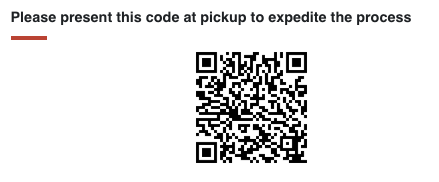
A pickup QR code can be presented at the time of pickup to allow the Auction Manager to quickly access your invoice.
Pickup codes in emails
A pickup QR code will be included at the bottom of your pickup confirmation email:
Pickup codes in invoices
Pickup codes can also be pulled up directly from your invoice by clicking on the small QR code icon in the upper right corner:


Do I need to present the pickup code?
Presenting the pickup QR code is optional. However, showing it at pickup can help the Auction Manager access your invoice more quickly and may speed up the process.
Each Seller follows their own methods—some may prefer that you present the QR code, while others may not require it.