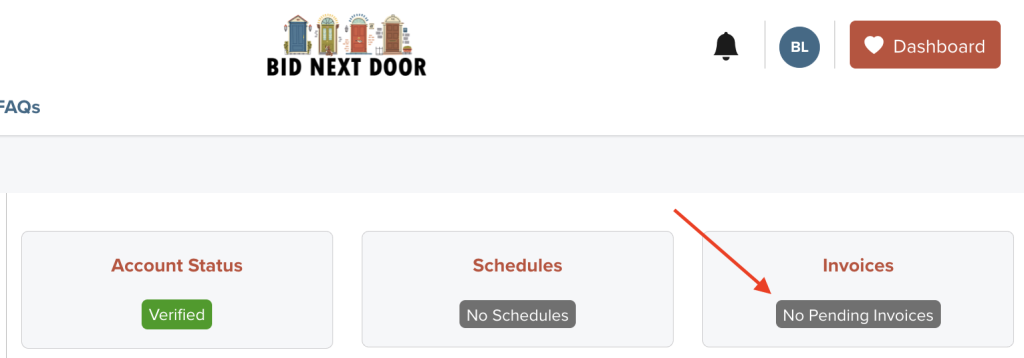
Your invoices can be accessed through your Dashboard or via the My Account page.
Opening Invoices in My Dashboard
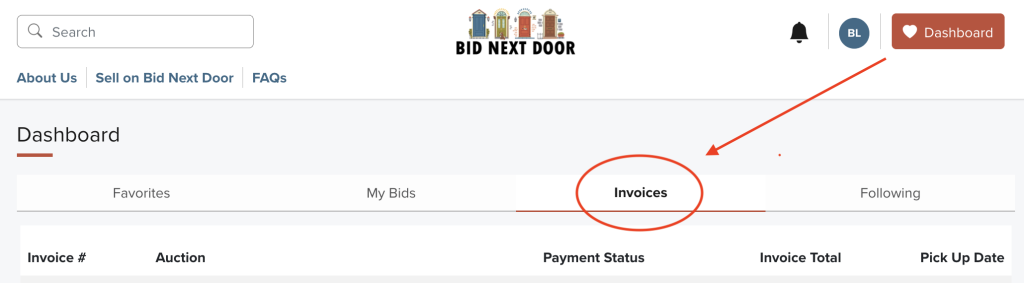
To access invoices through your Dashboard:
- Click on the red Dashboard button in the upper right corner.
- Click on the Invoices tab.
- A list of your invoices will be displayed:
- Click on an Invoice # (in the left-most column) to open and view the invoice.
- Click on an Auction title to view the closed auction.
Opening Invoices in My Account
To access invoices through My Account:
- Navigate to My Account by clicking on the blue circle with your initials in the upper right corner.
- In the “Invoices” box (on the far right), click on the Invoices button.
- Note that the color and language of this button will vary depending on whether you have any unpaid invoices.