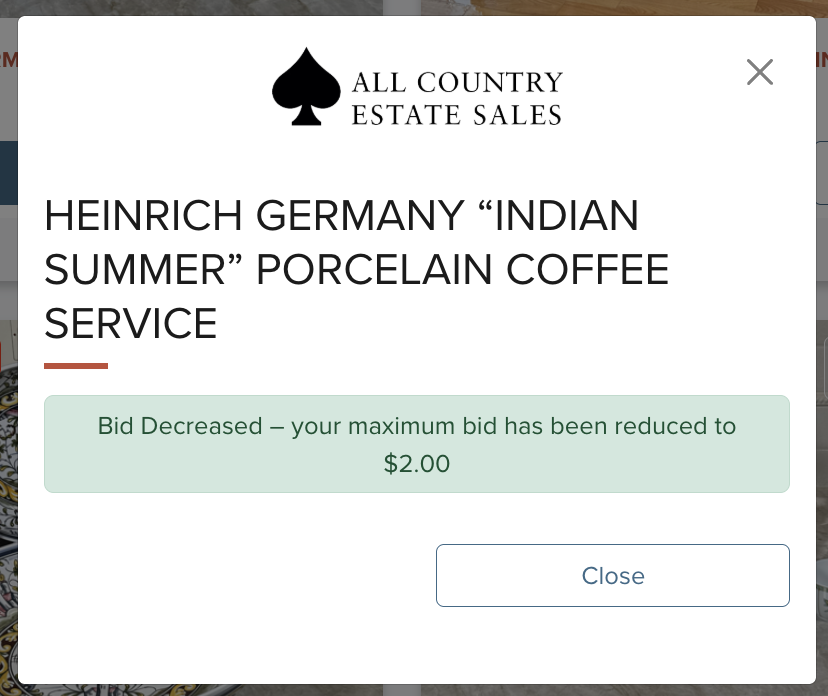
How to reduce your Maximum / Absentee bid.
Updating your Maximum Bid is as easy as placing a bid!
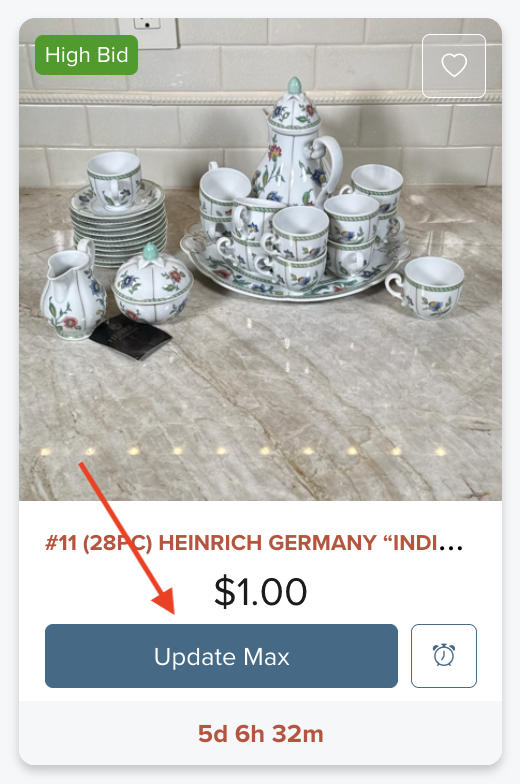
1. Click on the blue Update Max button on the Lot tile (or the Place Bid button on the Lot’s detail page).
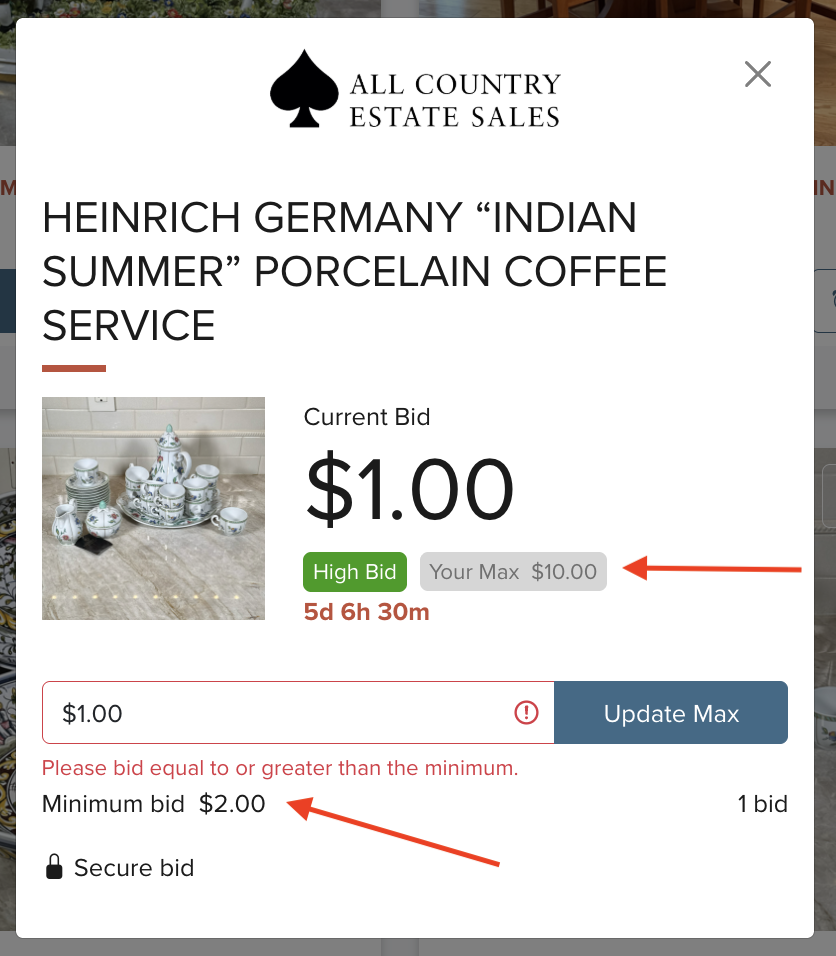
2. Your current Maximum Bid will be displayed. The Minimum Bid will be displayed under the bid entry field.
3. Enter a bid amount that is equal to or greater than the required Minimum Bid.
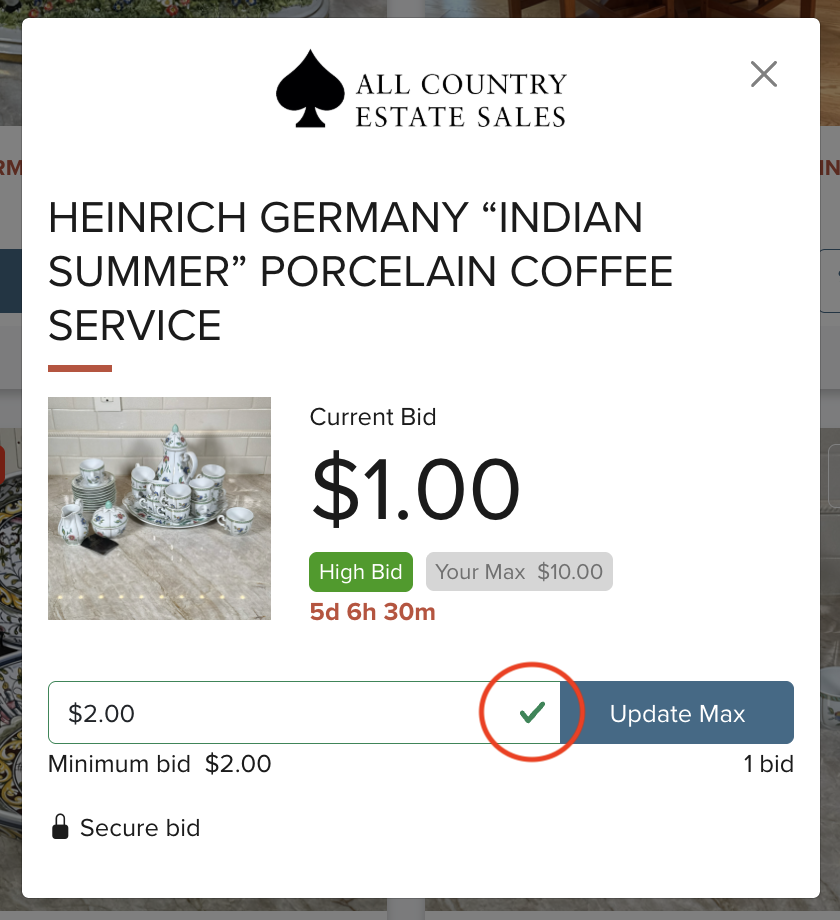
4. Click the Update Max button.
5. Confirm, and done!