There are a few ways to know that you’ve been outbid on an item:
- You will receive an email confirming that you have been outbid.
- You will also see a notification appear on the site (via the bell icon).
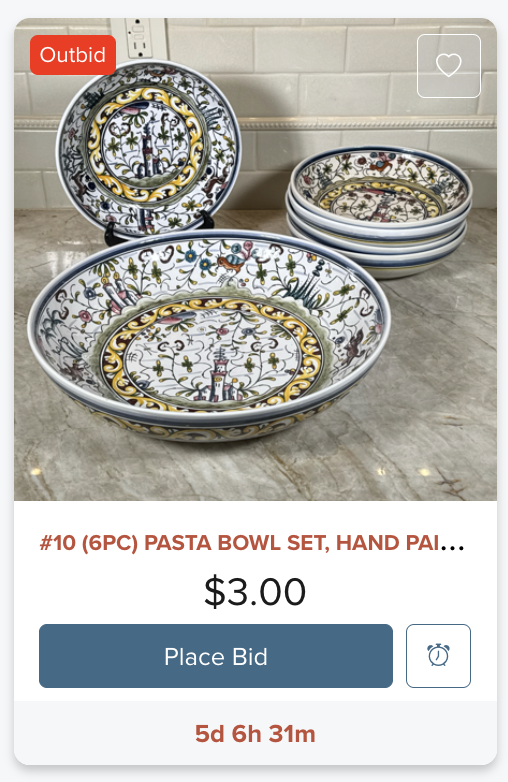
- You can check the status of your bids in the My Bids tab of your Dashboard. Look for the red “Outbid” badge.
Below is an example of the red “Outbid” badge: