You can change your account email address at anytime; note that you will need to verify your new email address.
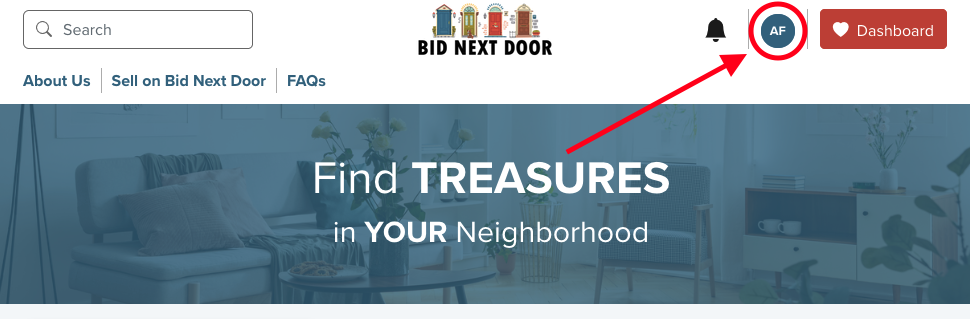
Navigate to My Account by clicking on the blue circle with your initials (in the upper right-hand corner).
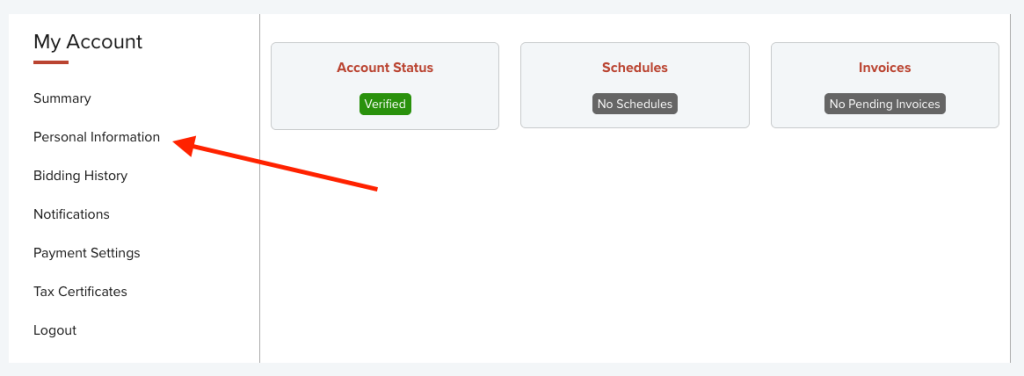
On the left menu, click Personal Information.
Click the Change my Email Address button.
Enter your new email and click Send Code.
Once you’ve received the email with a verification code, enter it into the “Validation Code” dialog box and click the Verify button.