Initiate a password reset from any bonauction powered website.
- Click Log In
- Enter your email address and click the Continue button
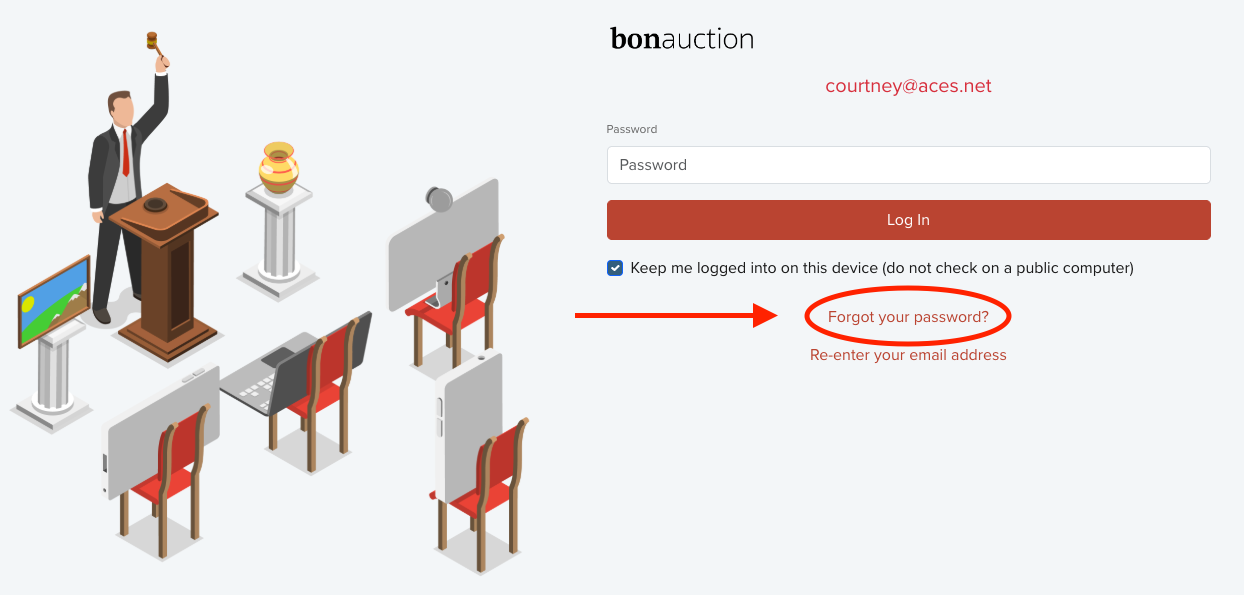
- On the password page, click the red “Forgot your password?” link
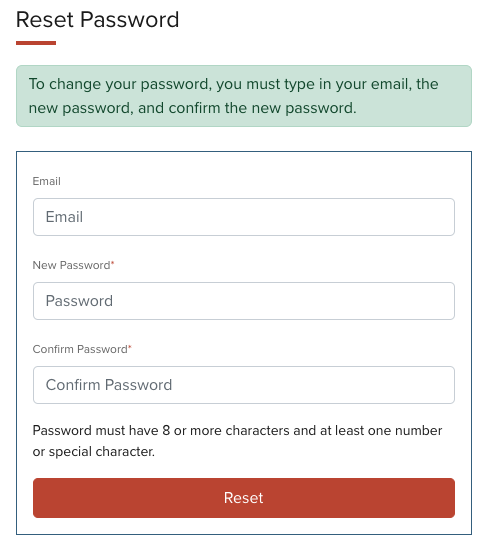
- Then click the red Send Password Reset button

Initiate a password reset from any bonauction powered website.